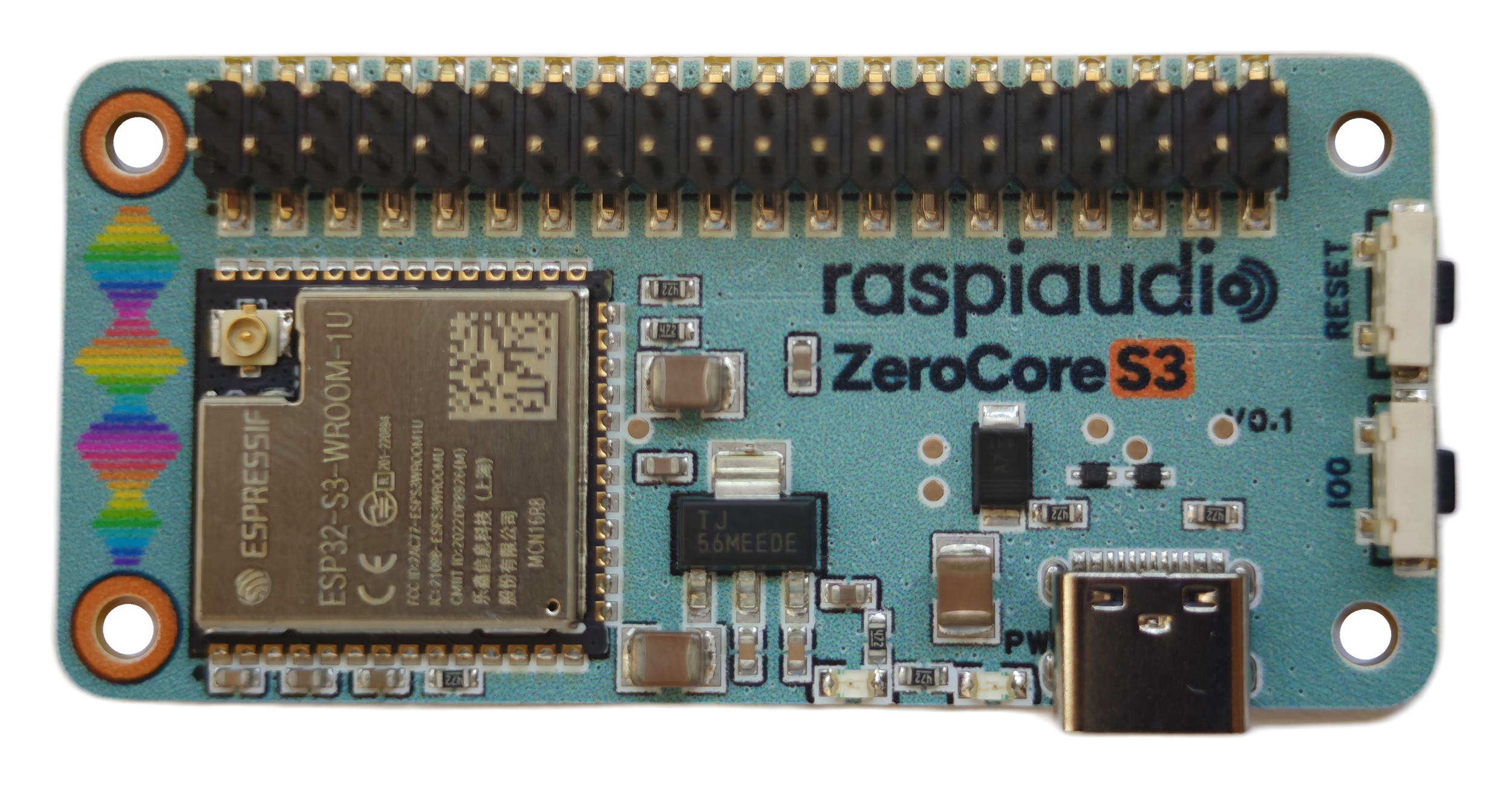
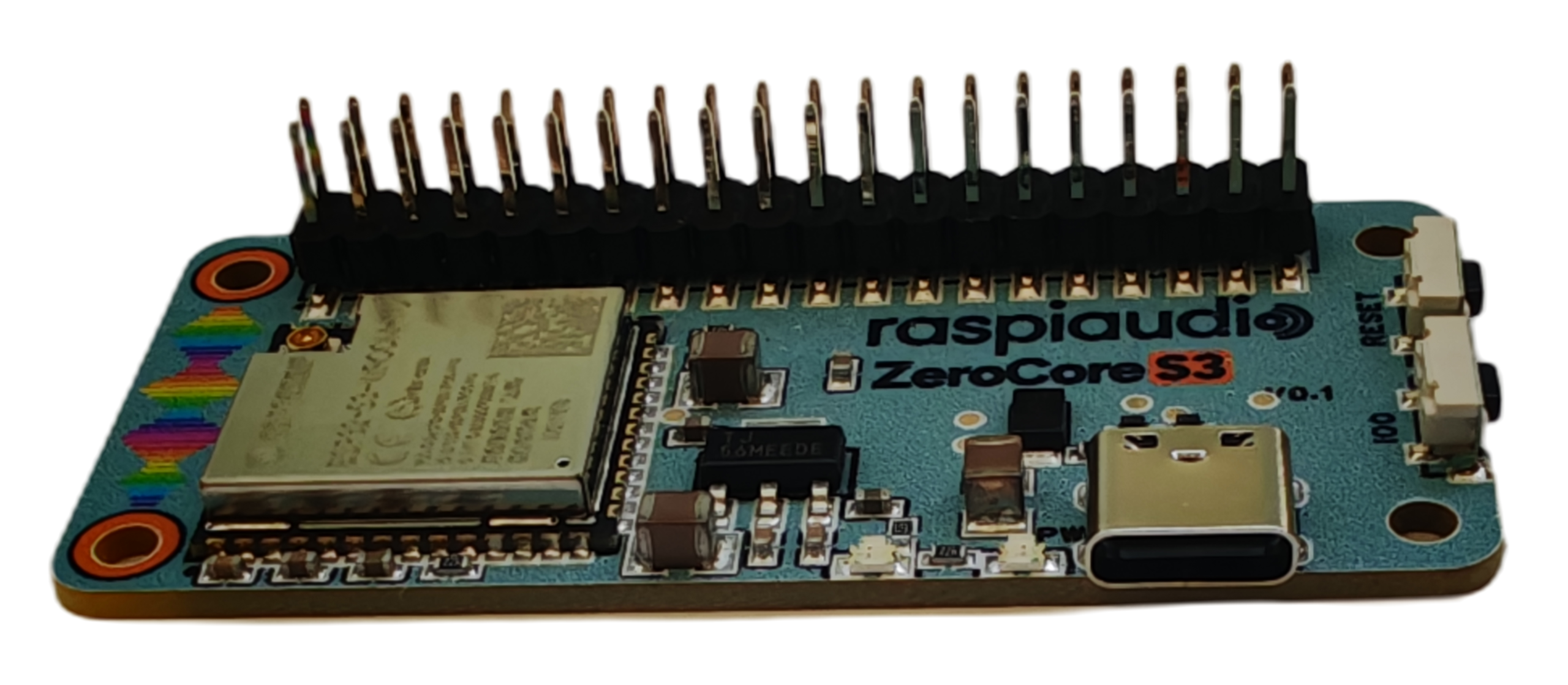
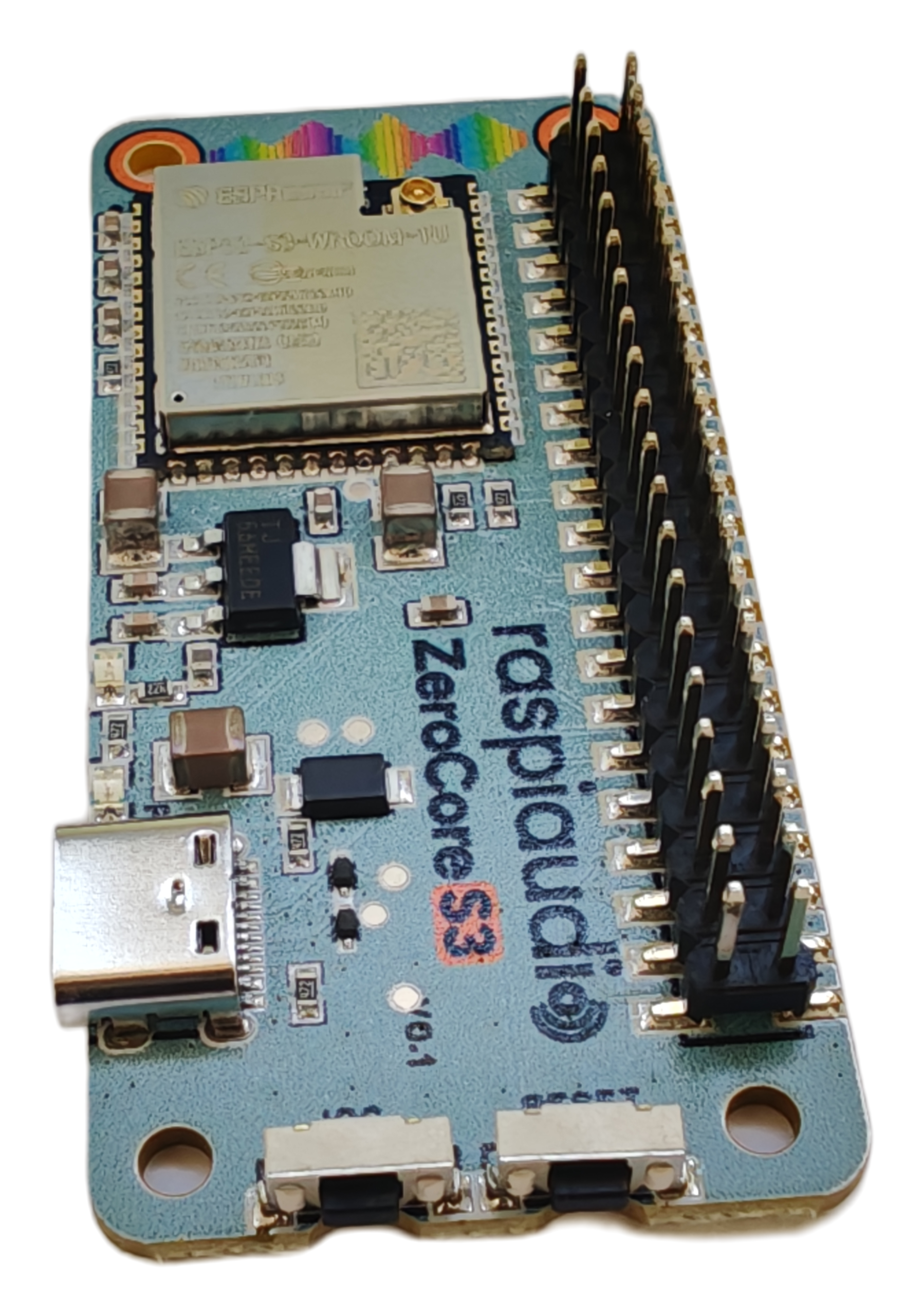
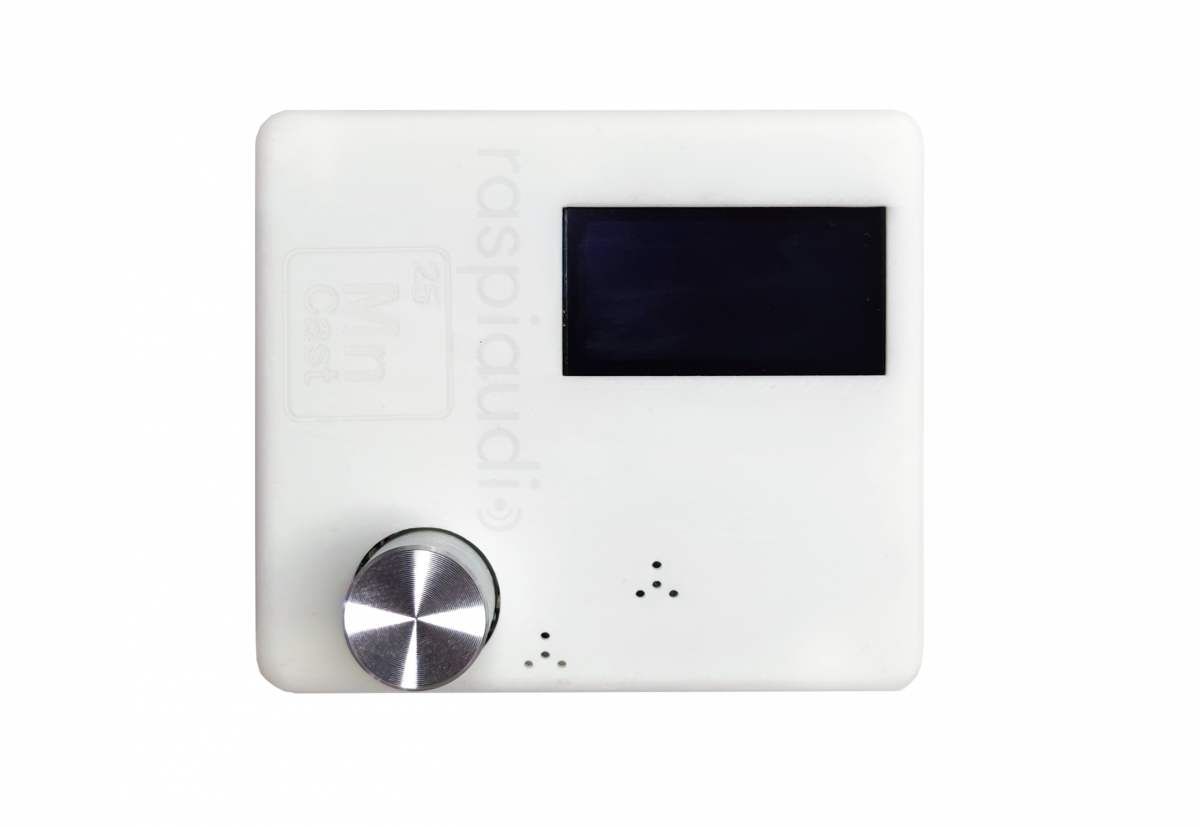
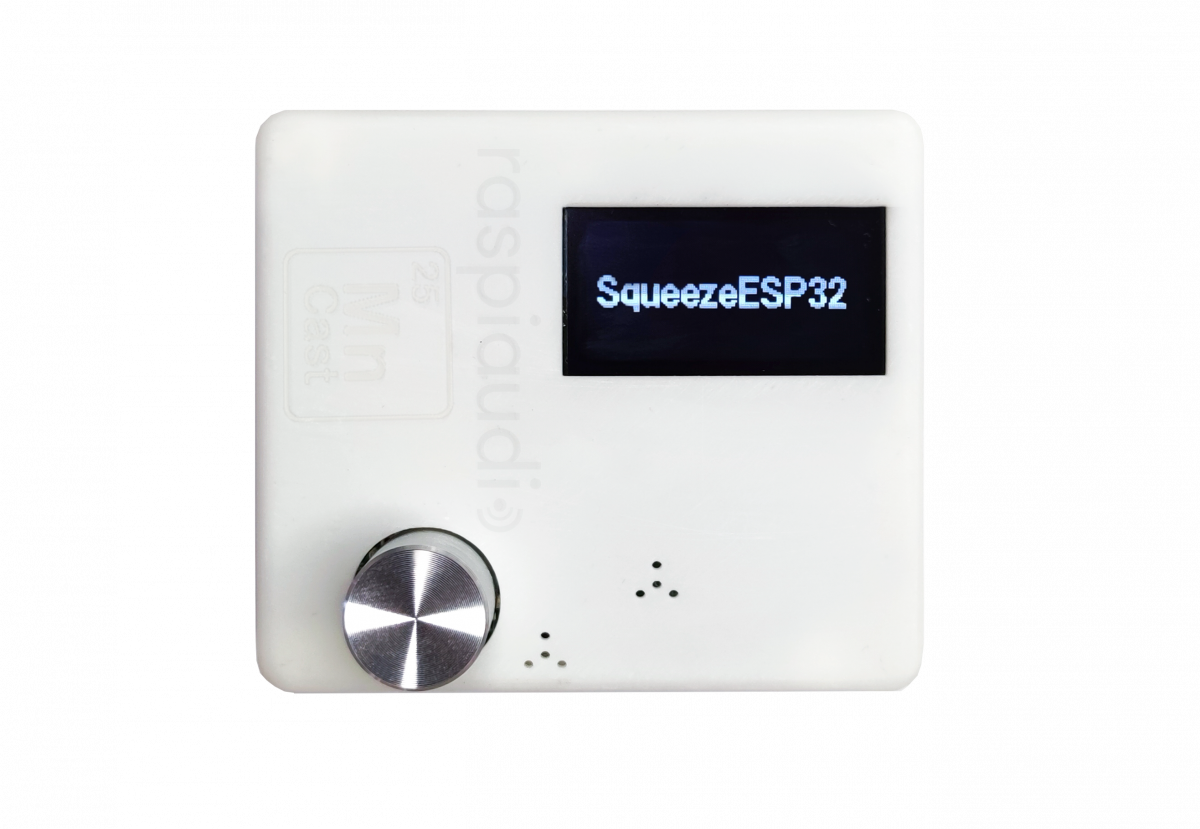
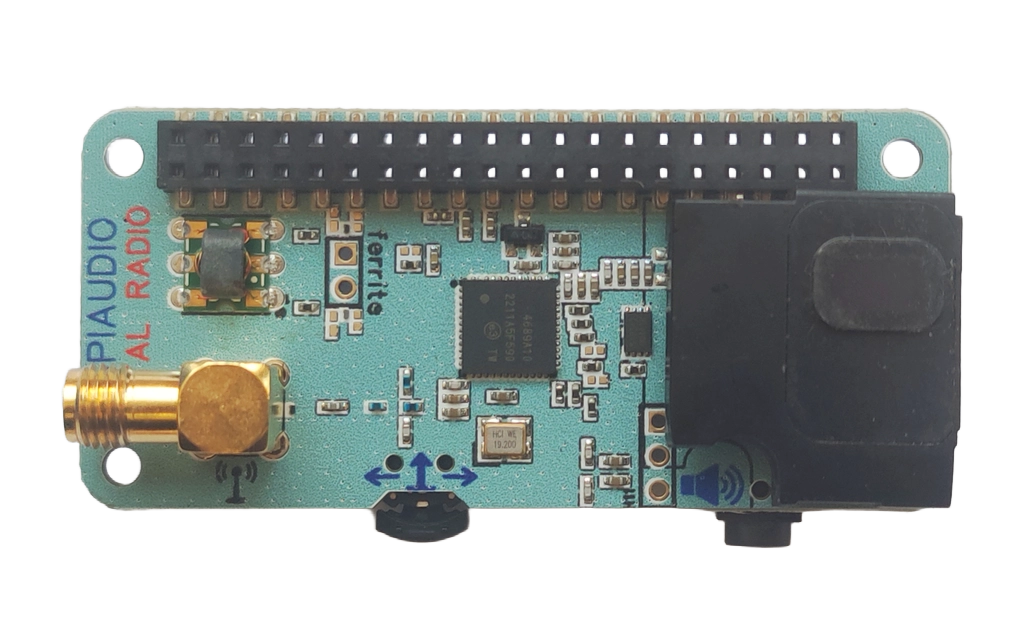
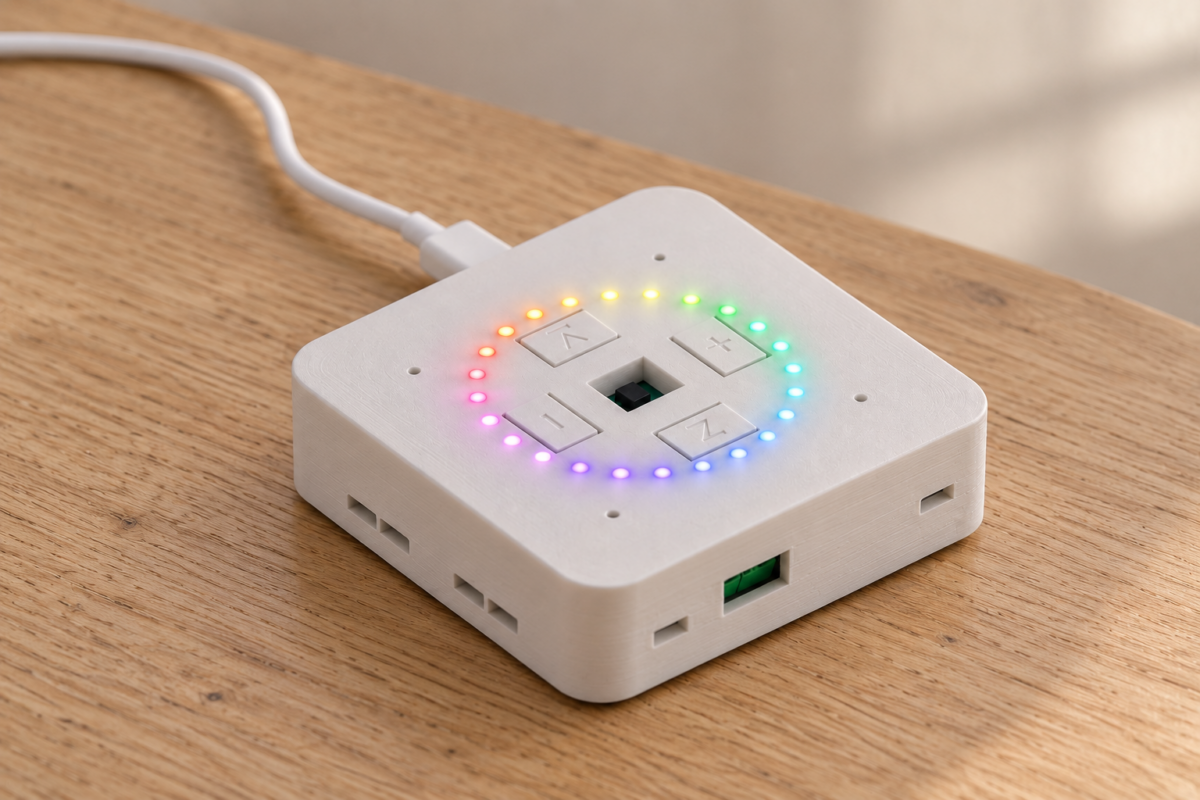
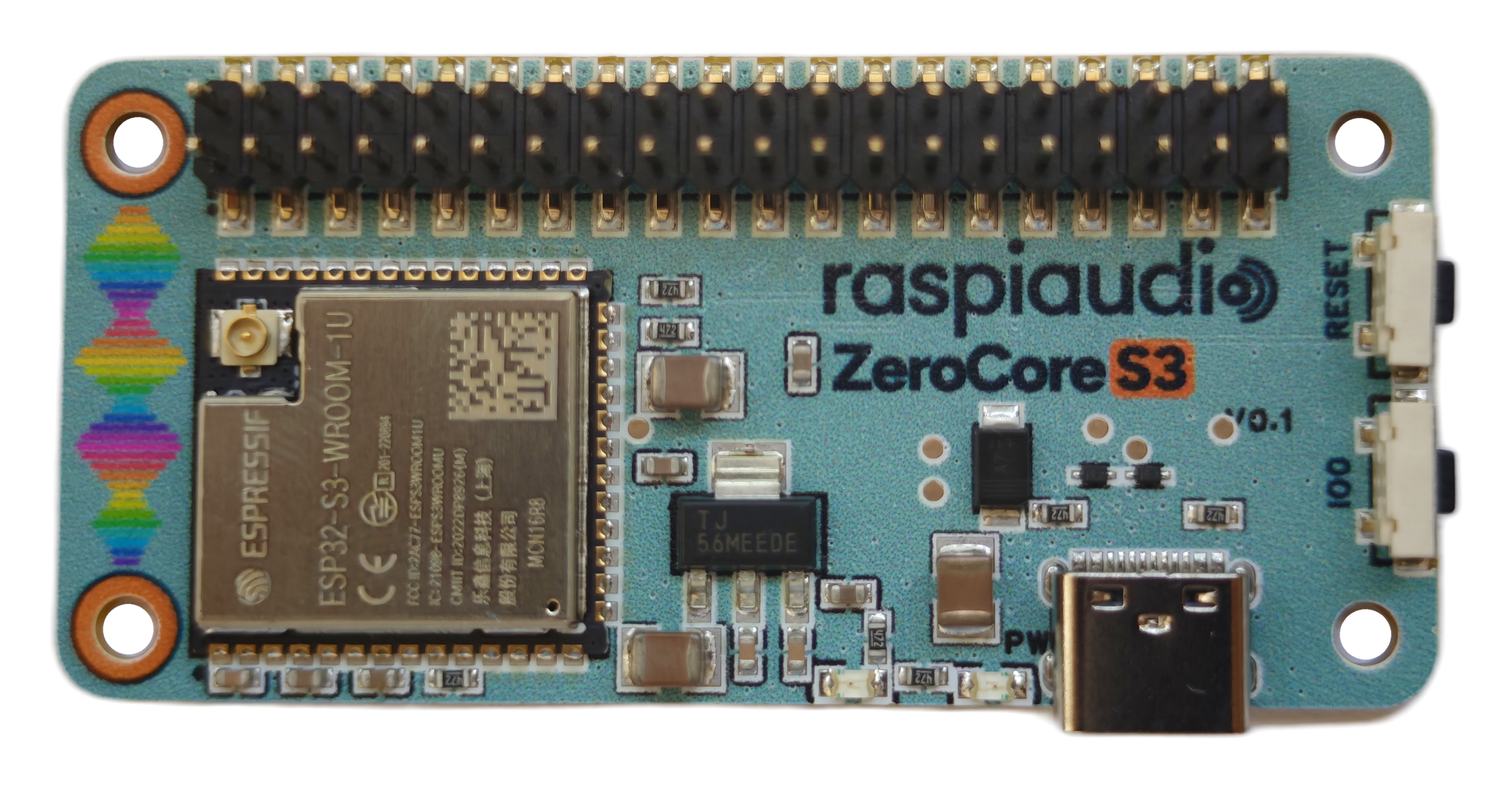
An economical, practical Raspberry Pi Zero alternative for compatible RASPIAUDIO shields. CoreZero S3 puts an ESP32-S3 microcontroller behind a familiar 40-pin connector: dedicated firmware, fast startup and a low-power design, without a full Linux system or microSD card.
26,99 € includes the controller and external antenna. Shields are sold separately. Use the matching ESP32 firmware and pinout; this is not universal Raspberry Pi hardware or software compatibility.
An economical, practical Raspberry Pi Zero alternative for compatible RASPIAUDIO shields.
Put an ESP32-S3 microcontroller in the controller’s place. The familiar 40-pin connection and Pi Zero-style footprint make compact audio builds easier, with dedicated firmware instead of a full Linux computer.
Start with Voice DSP+ or Digital Radio and the matching ESP32 application. Connector fit alone does not make every Raspberry Pi shield or program compatible.
The compact controller for your next RASPIAUDIO build. Shield sold separately.
WHY A MICROCONTROLLER?
Less overhead. More of what your project needs.
Keep the system economical
Choose a dedicated controller when your audio device does not need a full computer. The supported applications run from onboard flash: no separate microSD card or Linux installation required.
Start the application faster
Boot straight into dedicated firmware rather than a Linux operating system. A simpler startup path for an appliance you want to switch on and use.
Build for lower power
An ESP32-S3 microcontroller is a lean alternative to an always-on Linux computer for focused control tasks. Keep the controller lightweight while your shield handles audio.
Startup time and total power use depend on the application, Wi-Fi connection, attached shield and speaker load. These are design advantages, not a fixed boot-time or wattage guarantee.
TWO WAYS TO USE IT
One controller. Voice assistant or digital radio.
Voice DSP+: a compact voice satellite
Replace the Raspberry Pi controller in this dedicated voice build with CoreZero S3. The ESP32-S3 runs ESPHome, the local wake word and the network connection; Voice DSP+ handles microphone processing and speaker playback.
Connect it to your existing Home Assistant server and Assist pipeline. CoreZero S3 is the satellite controller, not the Home Assistant server.
Home Assistant integration: beta. The published ZeroCore package is still in beta, with final hardware qualification pending. Read the setup notes before building.
Pair CoreZero S3 with the Digital Radio for Raspberry Pi shield and its dedicated ESP32 application. FM and DAB+ reception and analog audio playback have been tested on this combination.
Use the lightweight local web interface from a phone or computer, over your Wi-Fi network or the device’s own hotspot. Sound comes from the shield’s analog jack or speaker output.
Choose the ESP32 application. Its current feature set differs from the full Raspberry Pi software: browser audio streaming and recording are not included. Check the guide for supported controls and radio modes.
1. Pick your buildVoice DSP+ for a Home Assistant voice satellite, or Digital Radio for an FM/DAB+ receiver.
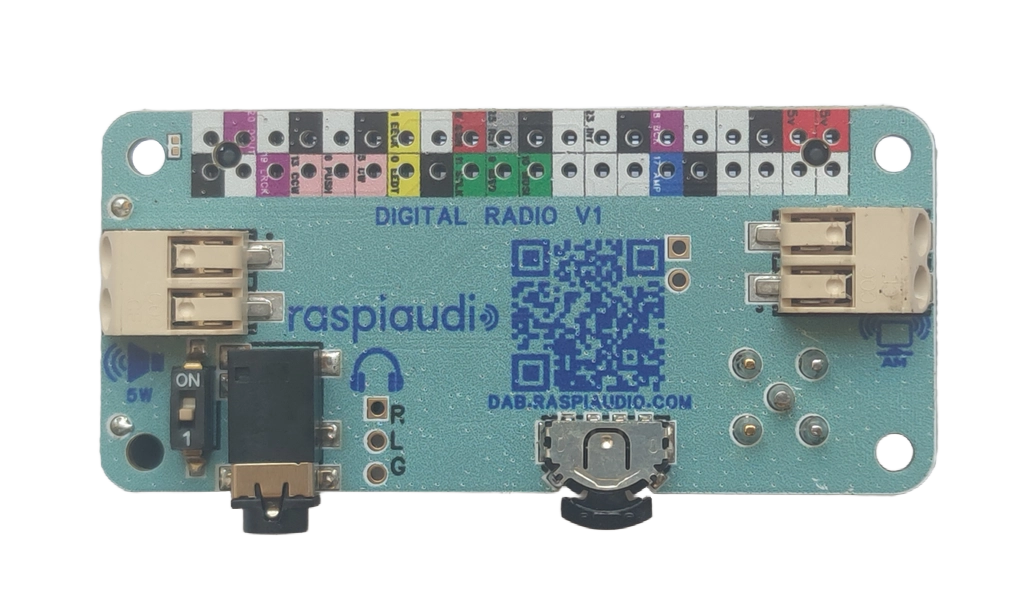
2. Connect the shieldPower off, check pin 1 and follow the documented 40-pin mapping. Attach the external antenna.
3. Connect USB-CUse the CoreZero S3 data port and a compatible browser such as Chrome or Edge.
4. Install the appSelect ZeroCore S3 and the matching application in the RASPIAUDIO App Store.
Installing a factory image replaces the current ESP32 application and can erase saved settings. Follow the selected application’s instructions; do not connect or flash hardware while following a guide for a different board.
A familiar connector. A different kind of controller.
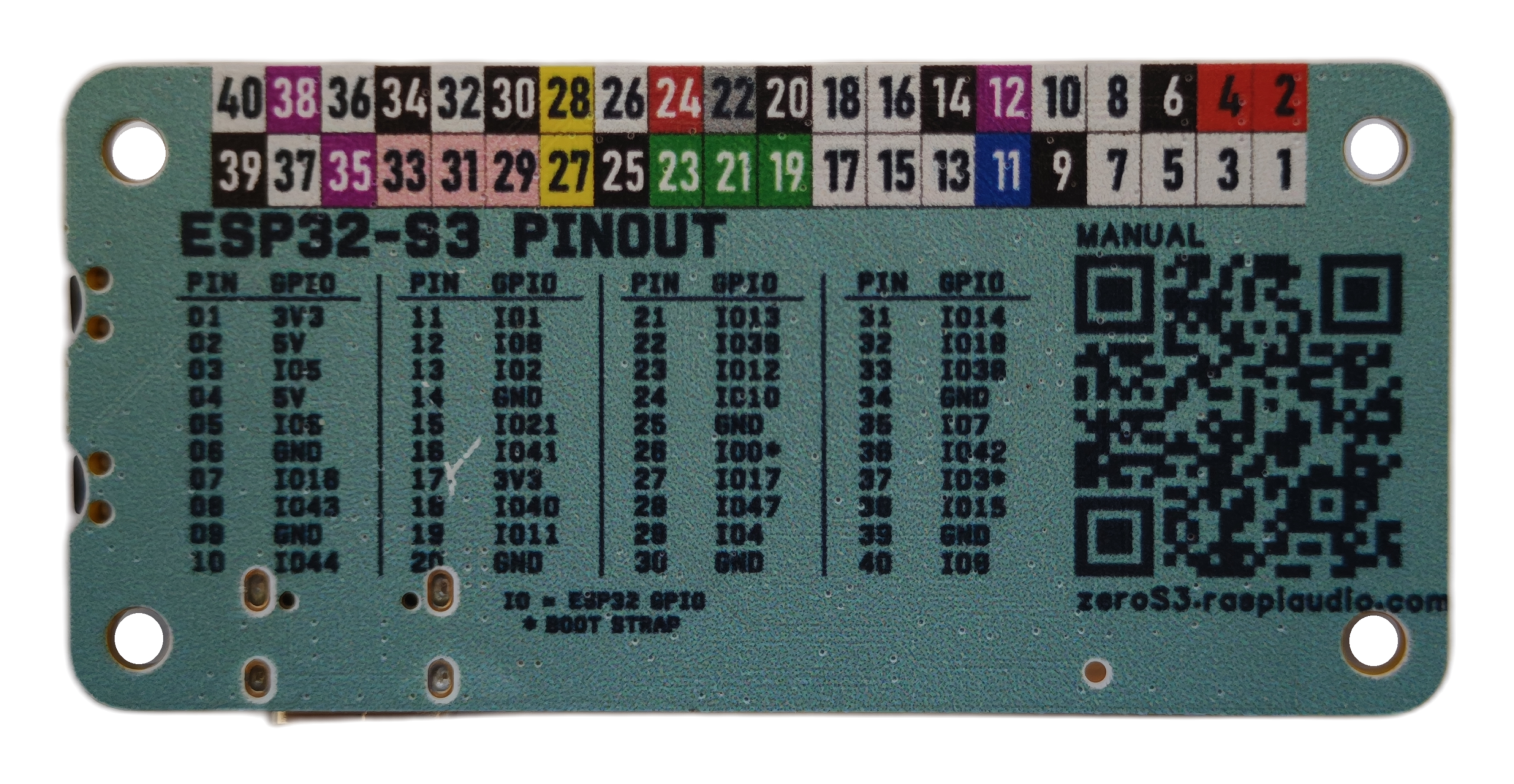
CoreZero S3 uses a Pi Zero-style form factor and a 40-pin header carrying I2S, I2C, SPI and GPIO. In supported RASPIAUDIO assemblies, it takes the place of the Raspberry Pi controller without needing a full Linux system.
Not a Linux computer or a universal HAT replacement. Use ESP32-S3 firmware and the documented mapping for your shield. Raspberry Pi BCM GPIO numbers, Linux drivers and applications do not transfer directly. GPIO use 3.3 V logic and are not 5 V tolerant.